How to chat with Start Your Own Gold Mine staff members?
We are using the Extensible Messaging and Presence Protocol (XMPP) as our main and private communication protocol. It enables near-real-time chat or messaging with exchange of files, images, data and geographical locations between our staff members. Set up your software on any mobile device or any operatin system and you will be soon ready to go to chat with us.
Regardless where you are located in the world, you will become able to chat with us over our secured and encrypted Internet connection. Our chat system is decentralized, which means, it is installed by our business and company and is not provided by any type of third parties.
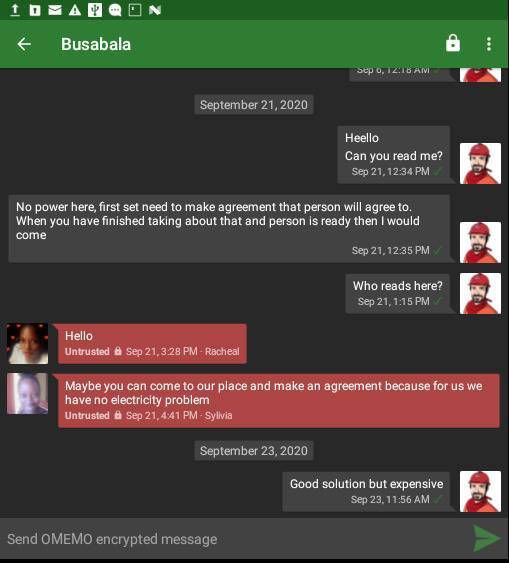
There are reasons not to use Whatsapp, so you need not ask us, we will not use centralized software provided by companies which we do not know and in which companies work hundreds of thousands of employees who may be corrupted and who may abuse our information and our contacts. Especially, we do not like releasing our contact lists to unknown companies, and we ask you that you do not do that to us.
Setup your software to chat with Start Your Own Gold Mine staff members
Choose your software for your operating system
For Android, Replicant or LineageOS mobile operating systems, we recommend the application Conversations from F-Droid
If you are using Windows, download Gajim or any other software that you may find on XMPP software
If you are using iPhone, try searching your application store for term “XMPP” or simple look into the XMPP software list
For MacOS, BSD-derivates and other operating systems, please choose appropriate software package and consult the XMPP software list
Request or create your username and connect
Once you have downloaded the software, contact us by email, phone to get your settings: server, username and password. If you already have your XMPP username or password, you will contact us, and we will get connected to each other.
As simple as that.


 Telegram at username
@rcdrun
Telegram at username
@rcdrun WhatsApp Business